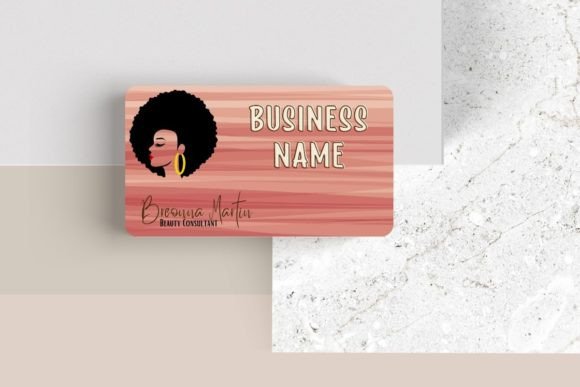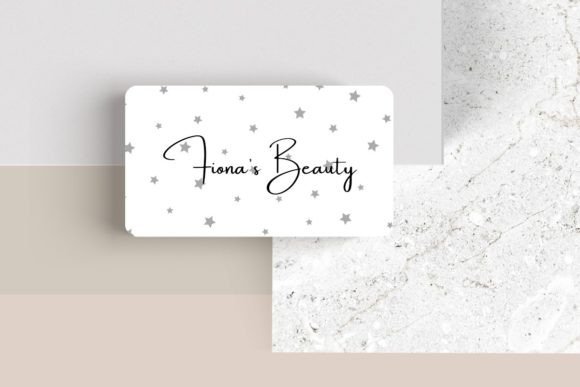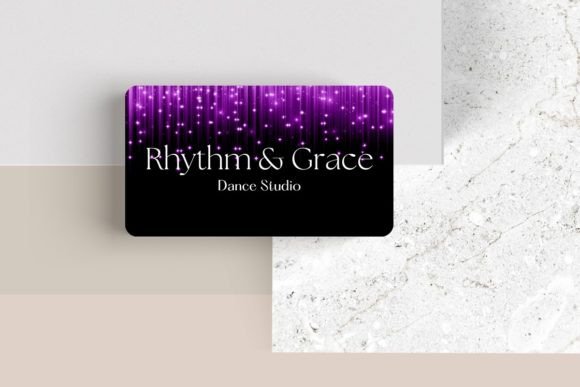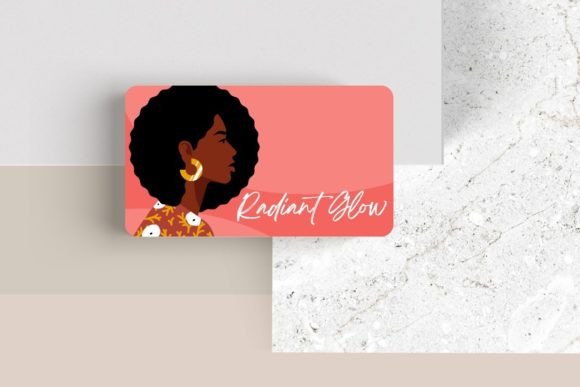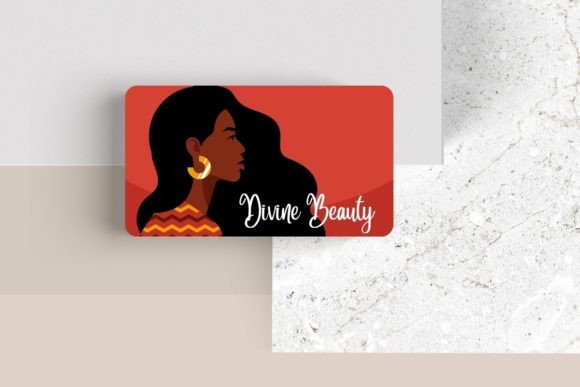
Editable Canva Business Card #14: A Modern Design Template
In a world of digital connections, a tangible business card still holds incredible power. The right design can communicate your brand's essence in seconds. For those seeking a blend of modern professionalism and creative control, the Editable Canva Business Card #14 offers a sleek, adaptable solution. This template is more than just a layout; it's a starting point for building a visual identity that feels both polished and uniquely yours.
Understanding the Design Flexibility
This particular template stands out for its clean lines and contemporary aesthetic. It provides a structured yet flexible canvas, allowing you to move beyond generic designs. The core value lies in its editability within Canva, a platform many creators already know and trust. You aren't locked into a single look. Instead, you have the tools to tailor every aspect, from the foundational font choices to the placement of your logo and contact details.
The standard dimensions of 3.5″ x 2″ ensure compatibility with most professional printing services. More importantly, the customization options are extensive:
- Typography Control: Adjust font, font color, and size to match your brand's voice. A strong sans serif font can convey modernity, while a classic serif font might suggest tradition and trust.
- Branding Elements: Easily add your logo, move elements around for perfect balance, and incorporate additional graphics or photos that tell your story.
- Layout Experimentation: Test different arrangements to find the most impactful hierarchy for your information.
Practical Applications for Creators and Professionals
So, who is this for? The versatility of an editable business card template makes it ideal for a wide range of professionals and projects. Consider these scenarios:
A freelance graphic designer can use it to create a card that directly showcases their skill with modern typography and brand identity work. An entrepreneur launching a new product can craft a card that aligns seamlessly with their packaging design and social media graphics. Even for personal projects, like designing invitations or editorial layouts, having a consistent, professional touchpoint matters.
Think of it as a key component in your broader design assets. A well-designed card reinforces the visual language used across your website, presentations, and merchandise. It contributes to a cohesive brand identity that builds recognition and trust.
Tips for Making It Your Own
To get the most out of any editable template, approach it with a strategy. Here are a few practical tips:
- Test Readability: Before finalizing, print a test copy. Ensure your chosen typeface is legible at the small size of a business card. A beautiful script font might be stunning for a logo but could fail as contact information.
- Match the Mood: Does your brand feel energetic, luxurious, or minimalist? Select fonts and colors that evoke the right emotion. A premium font choice can elevate the entire perception.
- Consider Font Pairings: If you use multiple fonts, ensure they complement each other. A common strategy is pairing a bold display font for your name with a clean, readable one for details.
- Review the License: Always confirm the usage rights for any font download or design element you incorporate, especially if you plan to use the cards for commercial purposes.
Ultimately, the goal is to create a card that feels authentic to you and resonates with your intended audience. It’s a small piece of real estate that can make a significant first impression. By starting with a strong, flexible foundation like this Canva template, you empower yourself to design a networking tool that is both functional and a true reflection of your professional style. Taking the time to customize it thoughtfully is an investment in how the world sees your brand.